






The best upgrade for a low-end gaming PC is the one that fixes your worst bottleneck for the least money. In 2026 that order usually looks like this: an SSD if you still play from a hard drive, then 16 GB of dual-channel RAM, then a graphics card. A CPU swap comes last, and only if your motherboard can take one.
Here's the short version:
- Still on a hard drive? An SSD is the first thing to buy. Some new games now list one as recommended or even required.
- Stuck at 8 GB of RAM? Go to 16 GB in two sticks. Several big free games now ask for 16 GB at minimum.
- Both done? Then the graphics card is where your FPS comes from. The Intel Arc B570 is the most sensible budget pick right now.
- CPU and power supply: upgrade them only when they block the GPU you want.
- Prices are high this year. RAM and SSDs cost roughly double what they did in 2025, so buy only what fixes a real problem.
Which upgrade should you buy first?
The honest answer: it depends on what your PC is missing, not on which part is newest. A $260 graphics card won't fix stutter caused by 8 GB of RAM, and 32 GB of RAM won't fix a GTX 750 Ti.
Here's how the main upgrades compare in October 2026:
| Upgrade | Typical price (US, 2026) | What it fixes | Worth it if… |
|---|---|---|---|
| SSD (1 TB) | ~$140–190 NVMe, ~$130–155 SATA | Long loading, texture pop-in, slow Windows | You still play from a hard drive |
| RAM to 16 GB (DDR4 kit) | ~$90–140 | Stutter, games refusing to run, alt-tab freezes | You have 8 GB, or one single stick |
| Budget GPU (Arc B570) | ~$260–290 | Low FPS, low settings, unplayable new games | Your GPU is older than a GTX 1060 |
| CPU (AM4 drop-in, e.g. Ryzen 5 5600) | ~$120–165 | FPS drops in busy scenes, high CPU usage | You're on an early AM4 chip and the board supports it |
| Power supply | Varies | Needed to run a new GPU safely | Your PSU is weak, old or unbranded |
Prices come from US trackers between August and October 2026 (see the sources at the end). They move every week, so treat them as a range, not a quote.
If you're not sure which part is holding you back, watch your usage while you play. GPU pinned near 100% while the CPU sits lower means the graphics card is the limit. The reverse means the CPU is. Free tools like the performance overlay in your GPU driver or Windows' own Task Manager are enough for this.
Why are PC parts so expensive in 2026?
Short answer: AI data centers are buying the same memory chips your PC uses. Samsung, SK Hynix and Micron moved factory capacity to high-bandwidth memory for AI servers, and regular RAM and flash storage got squeezed.
The effect on budget builders is real. A 16 GB DDR4 kit that cost about $50 a year ago now sits around $89 at the lowest (August 2026) and $140 for a common Corsair kit (September 2026). A 1 TB NVMe SSD went from roughly $75 to $142–190 over the same period.
That changes the advice a little. In past years "just throw more RAM at it" was cheap. In 2026 every part has to earn its place.
Is an SSD still the cheapest upgrade that feels like a new PC?
Yes, if you're still on a hard drive. PCWorld calls an SSD the best performance-per-dollar upgrade for most PCs over five years old, and that's even more true for games now.
Several newer games are built around fast storage. Wuthering Waves lists "SSD Recommended" at minimum and "SSD Required" at its recommended settings on Steam. On a hard drive you get longer loading screens and, in open worlds, textures that appear late.
A few practical points:
- NVMe or SATA? If your motherboard has an M.2 slot, NVMe is the better buy. If it doesn't, a 2.5-inch SATA SSD still makes a huge difference over a hard drive.
- How big? Big games are huge now: Wuthering Waves asks for 150 GB, Genshin Impact and NTE 110 GB each. 1 TB is the sensible size if you play more than one of them.
- Keep the old drive. Use the hard drive for videos, screenshots and older games that don't care about speed.
Worth it if your games live on a hard drive. Skip it if you already have an SSD with free space; a second one won't raise your FPS.
Do you need 16 GB of RAM for gaming in 2026?
For new games, yes. 8 GB still runs a lot of titles, but the heaviest free games have moved on: Wuthering Waves and NTE: Neverness to Everness both list 16 GB as their minimum on Steam.
Two things matter more than the brand:
- Two sticks, not one. Two 8 GB sticks run in dual channel, which gives your CPU (and integrated graphics, if you use them) noticeably more memory bandwidth than a single 16 GB stick.
- Match your board. Most older budget PCs use DDR4; very old ones use DDR3. DDR5 only works on newer boards, and it's the type that went up the most this year.
Worth it if you have 8 GB, or a single stick of anything. Skip 32 GB on a budget PC: at today's prices, that money does more as part of a graphics card.
Which graphics card gives the most for the money right now?
If you're upgrading the GPU in 2026, the Intel Arc B570 is the card I'd look at first. It launched at $219, and the lowest price tracked in early October 2026 was $259.99. That's above list price, but it's the closest any current budget card gets to its MSRP.
Here's where the other budget cards sat on October 6, 2026 (lowest new price on Amazon US):
| Card | Launch price (MSRP) | Lowest price, Oct 2026 | VRAM |
|---|---|---|---|
| Intel Arc B570 | $219 | $259.99 | 10 GB |
| NVIDIA RTX 5050 | $249 | $369.99 | 8 GB |
| AMD RX 9060 XT 8 GB | $299 | $438.82 | 8 GB |
| NVIDIA RTX 5060 | $299 | $469.99 | 8 GB |
The gap is wide. At these prices, the RTX 5050 costs about $110 more than the B570 and has less video memory.
Before you buy any card, check two things:
- Your power supply. A GPU upgrade often needs more watts and the right PCIe power cables. More on that below.
- Resizable BAR. Intel Arc cards depend on it for good performance. Most AMD Ryzen 3000 and newer and Intel 10th gen and newer systems support it (sometimes after a BIOS update), but older platforms may not, and then an AMD or NVIDIA card is the safer pick.
Worth it if your current card is a GTX 1050 Ti, GTX 960 or older, or if new games refuse to run. Skip it if your CPU is already maxed out; fix that first.
Is a CPU upgrade worth it on an old PC?
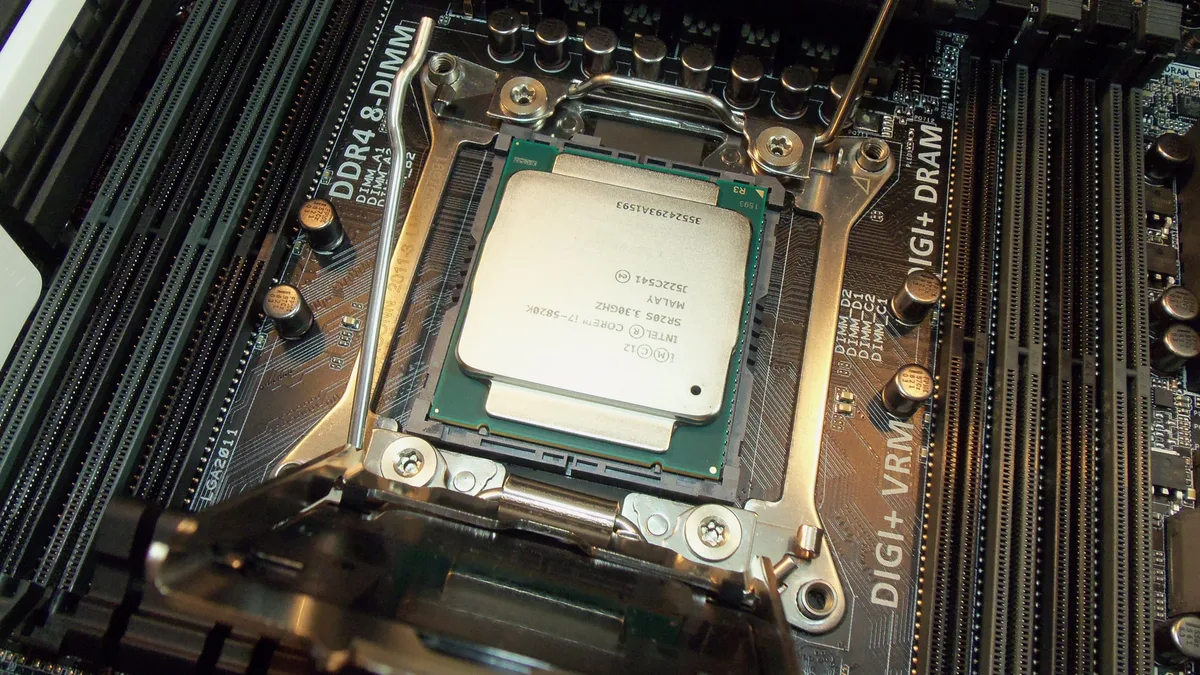
Only in one common case: you own an AM4 motherboard with an early Ryzen chip (Ryzen 1000 or 2000 series). Then a drop-in upgrade like the Ryzen 5 5600 is one of the best deals left in PC gaming. TechSpot tracked it at $163 in July 2026, with a 12-month low of $119.
Check the motherboard's support page for a BIOS update before buying. Many older AM4 boards need one to recognize Ryzen 5000 chips.
On older Intel platforms (6th to 9th gen), CPU upgrades are limited to what that socket supports, and used chips are the main option. If your CPU is from that era and is the bottleneck, it's often the moment to think about a new build instead.
Worth it if you're on AM4 with a Ryzen 1000/2000 chip. Skip it if your GPU is the real limit: a faster CPU won't help a weak graphics card.
Do you need a new power supply?
You need one if your current PSU can't safely power the graphics card you want. Budget prebuilts and office PCs often ship with small, unbranded units, and some have no PCIe power connectors at all.
Check three things on the label of your current PSU: total wattage, the brand, and whether it has 6-pin or 8-pin PCIe cables. If any of those is a question mark, budget for a decent replacement from a known brand along with the GPU. A cheap no-name unit is the one part that can damage everything else in your PC.
When should you stop upgrading and build a new PC?
When the upgrade list touches three or more core parts. If you need a new CPU, motherboard and RAM at the same time (for example, moving from an old Intel platform to DDR5), you're rebuilding the PC anyway, and it's usually cheaper to plan a new build from scratch.
The same goes for very old DDR3 systems. They can still play lighter games, but every dollar you put into them goes into a platform with nowhere to go.
If your PC isn't ready for an upgrade yet, there are still good games it can run. My guide to the best free anime games on PC ranks them by how much hardware they ask for, from a GTX 970 up.
The bottom line
Fix the cheapest bottleneck first: an SSD if you're on a hard drive, then 16 GB of dual-channel RAM. After that, the graphics card is what raises your FPS, and the Intel Arc B570 is the best value at current prices. Upgrade the CPU or power supply only when they block the card you want. And if you'd need three new core parts at once, plan a new build instead.
FAQ
What is the best single upgrade for gaming?
For FPS, the graphics card. But if you still play from a hard drive or have 8 GB of RAM, fix those first: a new GPU won't remove stutter and long loading caused by them.
Is 8 GB of RAM still enough for gaming in 2026?
For many games, yes. For the newest big titles, no: Wuthering Waves and NTE: Neverness to Everness both list 16 GB as their minimum.
Will an SSD increase my FPS?
Usually not your average FPS. It cuts loading times and reduces stutter and late-loading textures in open-world games, which often feels like a bigger upgrade than a few extra frames.
Should I wait for prices to drop?
Most forecasts expect RAM and SSD prices to stay high into 2027. If a part fixes a real problem for you, waiting may not save much.
Can I put a new graphics card in an old office PC?
Sometimes. Many office PCs have small power supplies with no PCIe power cables, so you're limited to low-power cards unless you replace the PSU.
Sources
- GPU prices right now — ComputingForGeeks (Amazon US prices, October 6, 2026)
- Why RAM and SSD prices are so high in 2026 — Dave's Computers (lowest prices from Tom's Hardware trackers, August 17–18, 2026)
- RAM & SSD prices 2026: buy now or wait? — Bottleneck PC (updated September 18, 2026)
- SSD prices in 2026 — Capital and Compute (August 19, 2026)
- Get your PC 2026-ready with these 9 key upgrades — PCWorld
- AMD Ryzen 5 5600 price history — TechSpot (July 5, 2026)
- Wuthering Waves on Steam — Kuro Games (checked October 8, 2026)
- NTE: Neverness to Everness on Steam — Perfect World Games (checked October 8, 2026)